How to Calculate MOD (Remainder) on a Calculator
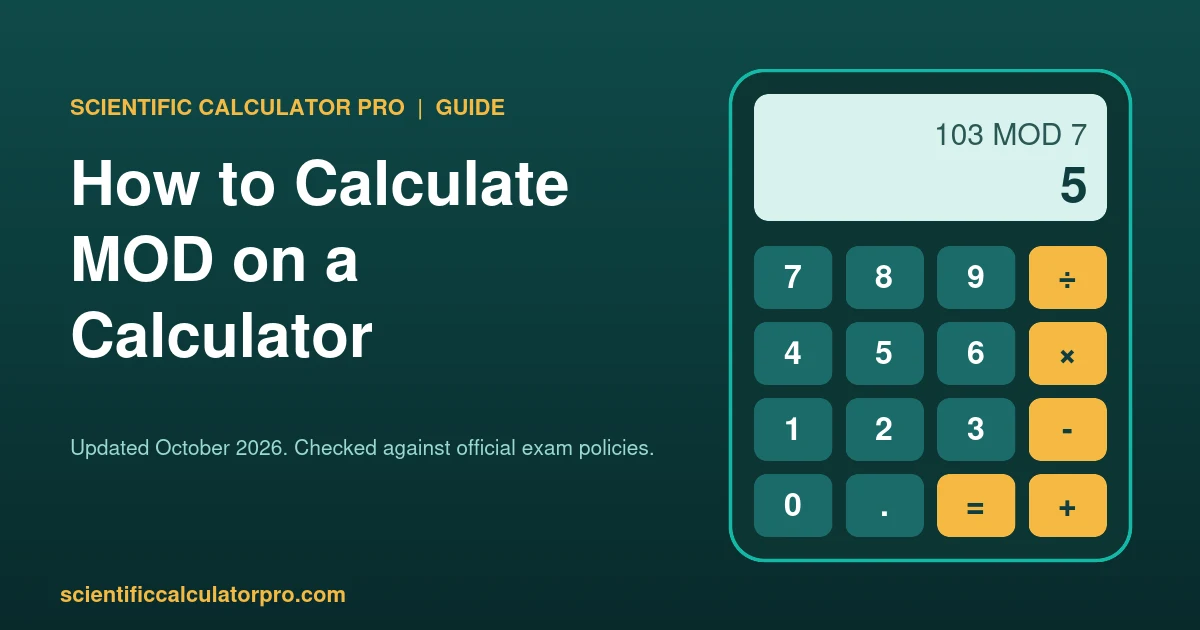
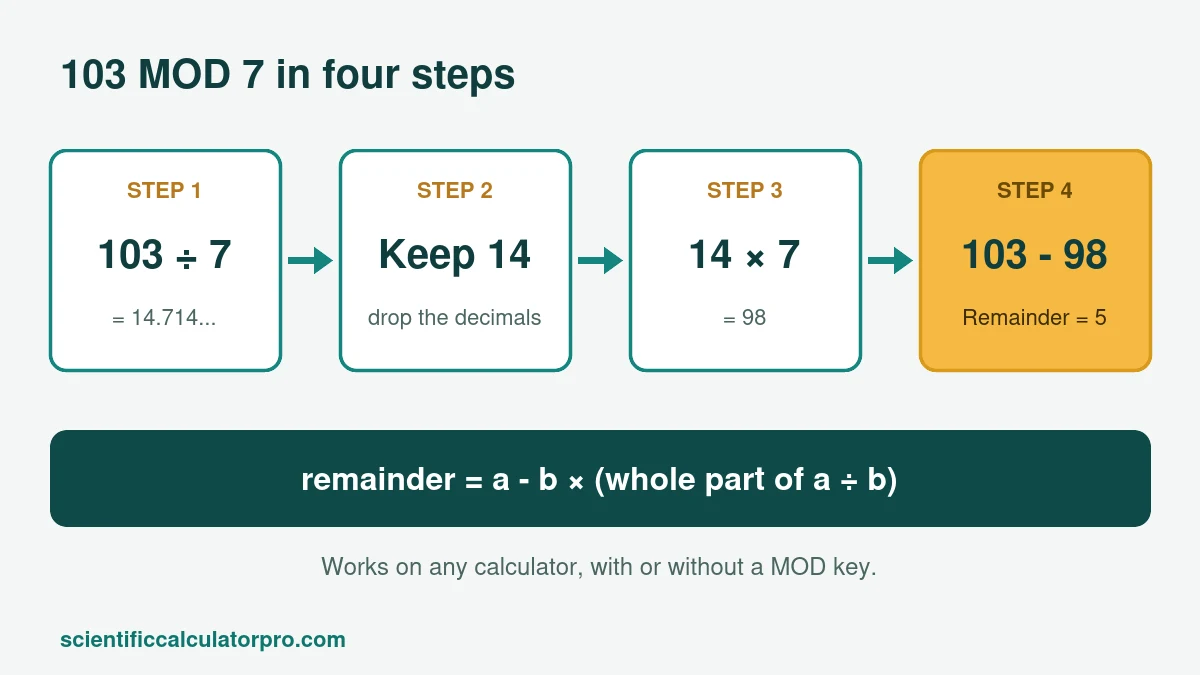
To find MOD on a calculator, divide the two numbers, drop everything after the decimal point, multiply that whole number by the divisor, and subtract the result from your first number. For 103 MOD 7: 103 ÷ 7 = 14.71, drop to 14, then 14 × 7 = 98, and 103 − 98 = 5. The remainder is 5.
Most calculators, even a scientific model with trigonometric and logarithmic functions, have no MOD key, so this three-step method is the one to remember. It works on any model, from a basic school calculator to a ClassWiz, and it never needs a menu.
How Do You Calculate MOD (Remainder) on a Scientific Calculator?
To work out MOD on a calculator, use the formula remainder = a − b × (whole part of a ÷ b). Divide first, keep only the whole number, multiply it back by the divisor, then subtract from the starting number. Whatever is left over is the remainder, also called a MOD b.
Here are four worked examples you can copy on your own calculator.
| a MOD b | a ÷ b | Whole part | Whole part × b | Remainder |
|---|---|---|---|---|
| 103 MOD 7 | 14.714… | 14 | 98 | 5 |
| 17 MOD 5 | 3.4 | 3 | 15 | 2 |
| 250 MOD 8 | 31.25 | 31 | 248 | 2 |
| 2026 MOD 12 | 168.83… | 168 | 2016 | 10 |
There is a shortcut. Multiply the decimal part by the divisor: 0.714285… × 7 gives 5. The catch is rounding. Many calculators show 4.9999999 or 5.0000001 instead of a clean 5, so the whole-number method above is safer.
Does a Calculator Have a Direct MOD Key?
Usually not, so MOD on a calculator normally means using the formula above. A few Casio models have a ÷R key that returns the quotient and the remainder together. Casio’s manual for the fx-115ES Plus and fx-991ES Plus C shows 5 ÷R 2 giving quotient 2 and remainder 1. Check your own manual, because models in the same family can differ.
Two details from Casio’s manual save a lot of confusion. First, only the quotient is stored in Ans, so you cannot chain the remainder into the next step. Second, if the numbers are very large or the quotient is not a positive whole number, the calculator treats the entry as normal division. Owners also report that the US-market fx-991EX lacks ÷R while some other ClassWiz versions have it, so look in your manual before you hunt for the key.
If you are a student in South Africa, Casio’s manuals for the fx-82ZA Plus II and the fx-991ZA Plus II both list the ÷R remainder function (fx-82ZA Plus II manual, fx-991ZA Plus II manual).
A trick with fractions
Type 103 ÷ 7 in a fraction calculator and it returns the mixed number 14 5/7. The top of the fraction part, 5, is your remainder. This only works when the fraction does not reduce. For 250 ÷ 8 you get 31 1/4, but the real remainder is 2, because 2/8 was simplified to 1/4. Our fraction calculator shows both forms, so you can check.
What Is MOD Used For?
MOD tells you what is left after full groups are taken out, which is why MOD on a calculator comes up in so many puzzles and programs. That makes it the tool for repeating cycles: even or odd numbers, clock time, days of the week, check digits on barcodes, and loops in code.
- Even or odd: n MOD 2 is 0 for even numbers and 1 for odd numbers.
- Clock time: 15:00 plus 20 hours is 35, and 35 MOD 24 = 11, so it is 11:00 the next day.
- Days of the week: what day is it 100 days after a Thursday? 100 MOD 7 = 2, and two days after Thursday is Saturday.
How Does MOD Work With Negative Numbers?
It depends on the tool. Maths textbooks, Excel, Google Sheets and Python give an answer with the sign of the divisor, so −7 MOD 3 = 2. C, Java and JavaScript use the % operator, which keeps the sign of the first number, so −7 % 3 = −1.
You can see the difference on a calculator. Divide −7 ÷ 3 to get −2.33. If you round down to −3, the formula gives −7 − (3 × −3) = 2. If you chop the decimals and keep −2, you get −7 − (3 × −2) = −1. Same method, different rounding rule, different answer, so state the rule you used when you do MOD on a calculator with negatives. When a teacher or a program gives you a negative case, ask which rule it uses.
How Do You Find MOD in Excel, Google Sheets and Code?
In Excel and Google Sheets, type =MOD(103,7) and you get 5. In Python, 103 % 7 returns 5. JavaScript uses the same % symbol for a remainder, and its rule for negative numbers is described in the MDN reference linked below.
Why Does My Remainder Look Wrong?
Three causes cover most errors when you do MOD on a calculator.
- The decimal part was not dropped. Use only the whole number before you multiply back.
- The numbers are too long. Most calculators keep about 10 to 12 digits, so a 15-digit number gets rounded and the remainder is wrong. Use a spreadsheet, or split the number into smaller parts.
- Decimal inputs. MOD is defined for whole numbers in school work. With 7.5 MOD 2 the answer depends on the tool, so stay with integers unless told otherwise.
To check MOD on a calculator, run the division on our free online calculator and compare it with your own steps.
More Guides
- Order of Operations on a Calculator: PEMDAS and BEDMAS
- A Beginner’s Guide to Using Your Calculator
- How to Find a Square Root Without a Calculator
- Scientific vs. Graphing Calculators Compared
- Browse all guides
Sources
Checked October 2026. Every example was calculated by hand and verified.